How to Send Tally Outstanding Statements and Payment Reminders on WhatsApp
Use TallyPrime to review what a customer owes, then share an accurate outstanding statement or reminder on WhatsApp. This guide covers the checks to make before sending and the available TallyPrime and TallyWhatsApp workflows.
Check the outstanding balance first
Before contacting a customer, review the party ledger and bill-wise details in Tally. Confirm bill numbers, due dates, credits, and recent receipts so the amount in your message matches the current books. If a customer has paid part of an invoice, reconcile that receipt before sending an updated statement.
Choose a WhatsApp workflow
TallyPrime includes a built-in WhatsApp sharing workflow for reports and reminder letters. It requires TallyPrime's WhatsApp setup, including a registered business number and approved templates. A TDL-based sender is another option when you want to start the send flow from a Tally screen and use a linked WhatsApp session. Check the current setup requirements and compare the options before choosing what fits your office.
See Tally's official guide to sharing documents and reminder letters through WhatsApp for its account and template requirements.
Send a reminder with TallyWhatsApp
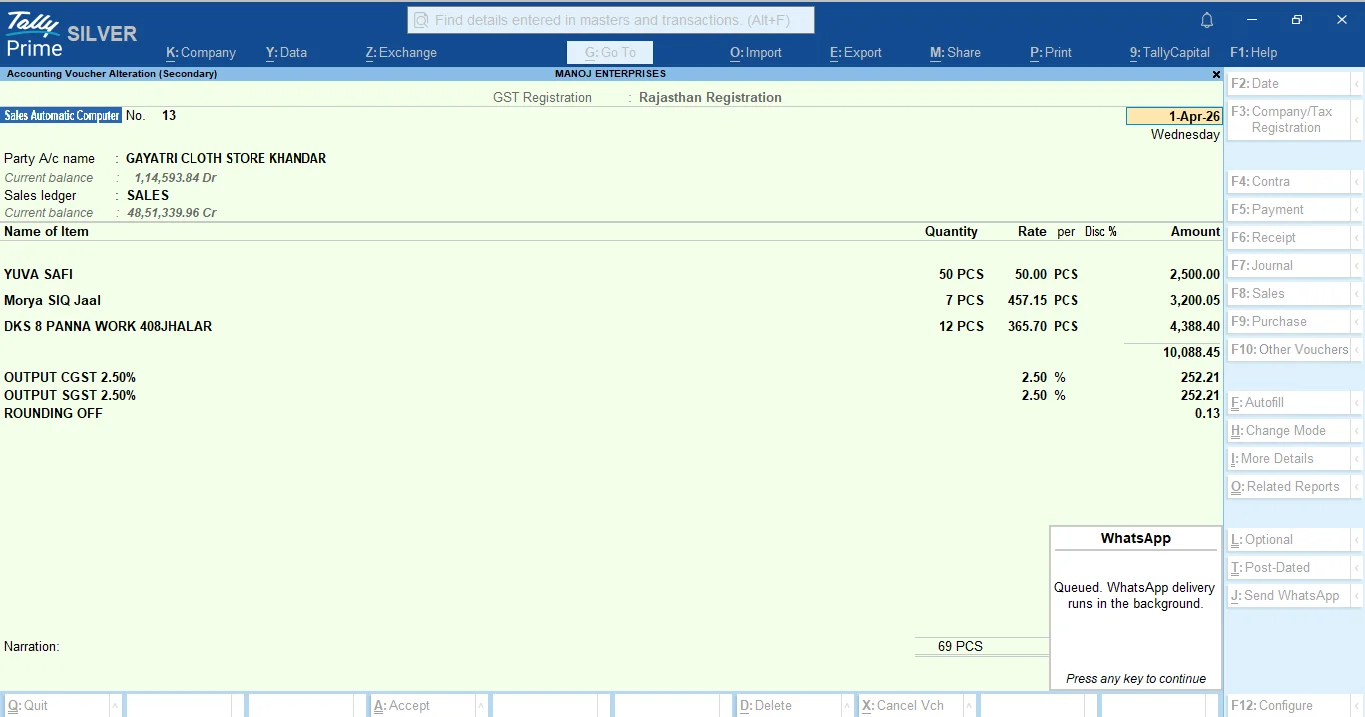
With TallyWhatsApp, open the relevant outstanding view in Tally, choose the party, and use the available WhatsApp send action. Review the recipient and statement before confirming the send. The product supports payment reminders and outstanding statements alongside invoices, receipts, and ledger reports. For setup steps, see the TallyWhatsApp setup guide and the invoice sending guide.
Make follow-up messages useful
Keep reminders clear and professional. Identify the business and relevant invoice or statement, state the balance and due date shown in Tally, and provide a contact path for questions or payment confirmation. Follow up at a reasonable cadence and stop reminders when a receipt is recorded. For more on sending customer statements, read how to send ledger statements from TallyPrime.
Frequently Asked Questions
Can I send an outstanding statement from TallyPrime to WhatsApp?
Yes. TallyPrime's native WhatsApp workflow supports reminder letters and reports after its WhatsApp setup is complete. TallyWhatsApp also supports sending outstanding statements from Tally through its desktop and TDL workflow.
What should I check before sending a payment reminder?
Review the party ledger, bill allocations, due dates, recent receipts, and the customer's WhatsApp number before sending.
Does a WhatsApp reminder guarantee faster payment?
No. A reminder can make follow-up easier, but payment timing depends on the customer and the business process.
Ready to try it?
See how TallyWhatsApp can help your team send outstanding statements from Tally to WhatsApp.
Download 14-Day Free Trial