Send Ledger Statements on WhatsApp from TallyPrime
Keeping clients updated on their account balances is crucial for cash flow, yet manually emailing statements is a chore. If you want to know how to send ledger statement whatsapp tally, you are in the right place. This walkthrough will show you how to streamline month-end reconciliations and outstanding balance tracking directly from Tally.
Why Send Ledger Statements via WhatsApp?
Accountants and business owners frequently use ledger statements for month-end reconciliation, quarterly balance confirmations, and year-end audit preparation. By sending these directly via WhatsApp, you cut through email clutter and ensure the recipient sees the message immediately. If you're looking for more general document sharing, read about how to send Tally documents via WhatsApp directly.
For CA firms, this is a game-changer. It allows for bulk communication without the administrative overhead. You can learn more about specific accounting workflows in our CA firm automation guide.
How the Alt+L Hotkey Works
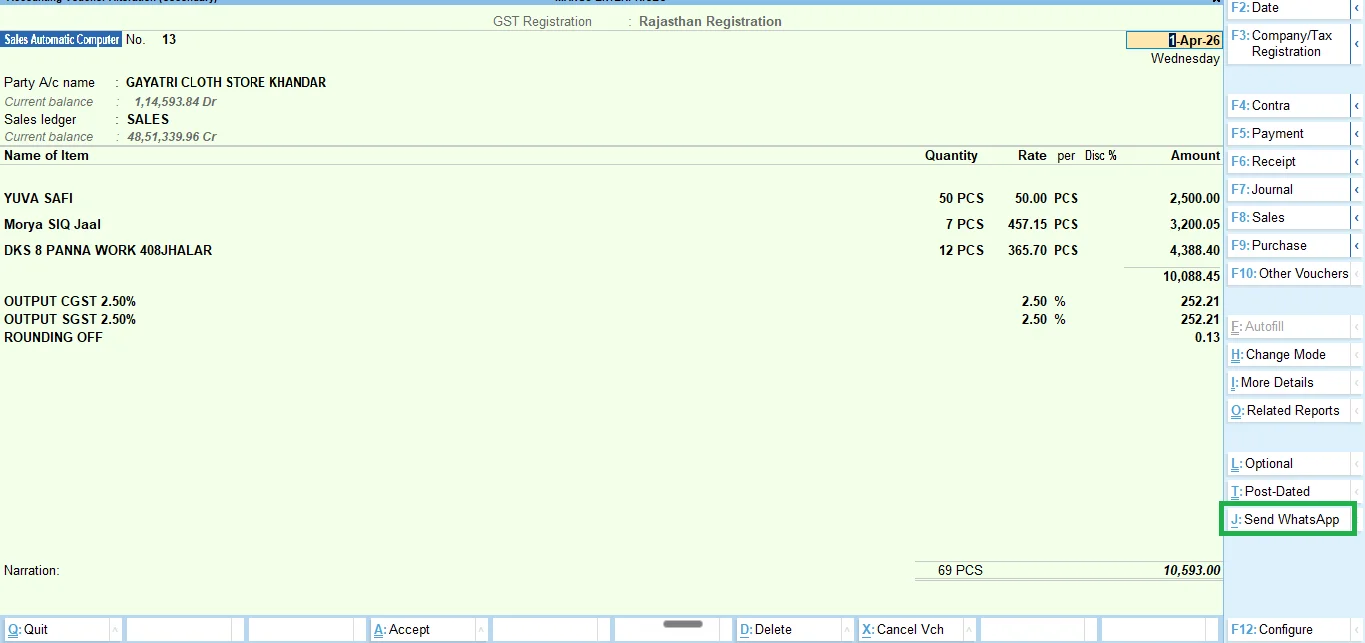
Our integration is built natively into Tally using TDL. When you are viewing a party ledger, you simply press the Alt+L hotkey. The software immediately captures the current ledger view, generates the PDF, and pulls up the WhatsApp dispatch screen. It saves you from the tedious process of exporting the file to your desktop and manually attaching it to a WhatsApp Web chat.
What the PDF Looks Like
The PDF generated is exactly the same standard, professional format that Tally produces. It contains all the line items, opening balances, closing balances, and voucher references that your clients expect to see. Because the integration works flawlessly with Tally's core printing engine, any customizations you have applied to your standard Tally invoices or statements will carry over to the PDF sent via WhatsApp.
Customizing the Message Template
Sending a raw PDF isn't enough; context matters. TallyWhatsApp lets you customize the accompanying message template. You can set up variables like [Party Name] and [Closing Balance] so the text is dynamically generated for each recipient. This is particularly useful when combined with our automatic payment reminders to gently prompt clients for overdue payments without sounding robotic.
Frequently Asked Questions
How do I use the Alt+L hotkey?
Simply navigate to the party ledger in TallyPrime and press Alt+L. The system will automatically generate the PDF and queue it for WhatsApp delivery.
Can I customize the message template for ledger statements?
Yes, TallyWhatsApp allows you to customize the message template to include variables like the party name, closing balance, and date range.