Tally Customisation for WhatsApp: TDL vs Add-On vs Cloud
If your goal is to send TallyPrime invoices on WhatsApp, start by defining the document and sending workflow. A custom TDL can change what happens inside Tally; a packaged connector combines a TDL with desktop sending software; TallyPrime's built-in WhatsApp route uses a registered business account and approved templates. The right choice depends on who will maintain it, how your team sends, and the data you must share.
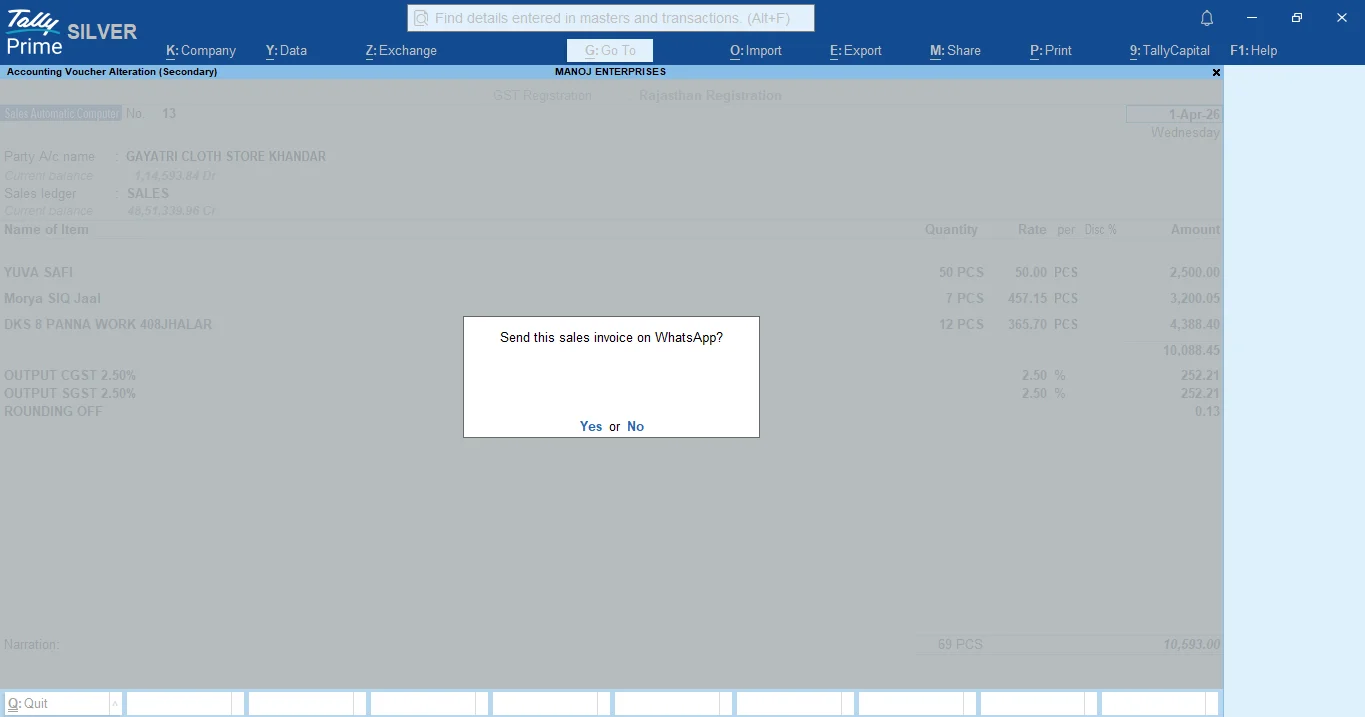
First, Write Down the Actual Job
“Tally customisation” could mean a new report, a changed invoice layout, an extra voucher action, or document delivery to a customer. For WhatsApp invoicing, write down the Tally release, one sample invoice PDF, where the party phone number is stored, who confirms a send, and whether multiple PCs need one sender. These details determine whether a TDL alone is enough.
Tally documents WhatsApp-related TDL actions for TallyPrime's own WhatsApp feature. That is separate from a third-party connector such as TallyWhatsApp. Confirm which route a developer or vendor is proposing.
Three Implementation Routes
| Route | What it handles well | What to verify before choosing |
|---|---|---|
| Custom TDL | Company-specific forms, voucher actions, and report output inside Tally. | Who maintains the TDL after a Tally release? What actually delivers the WhatsApp message? |
| Packaged TDL + connector | A repeatable document-send flow with a supplied desktop integration. | Test your invoice layout, phone lookup, account pairing, error handling, supported PCs, and license terms. |
| Built-in Tally WhatsApp service | Sharing through TallyPrime's official WhatsApp Business workflow. | Review Interakt onboarding, registered number, approved templates, subscription, wallet, and support. |
The built-in route is documented by TallyHelp. TallyWhatsApp is a packaged example of the second route; our setup guide shows its TDL and QR pairing steps. A bespoke TDL may still be appropriate if your accounting rules or document format are unique.
What Each Route Does Not Solve by Itself
A TDL can add a button or prepare Tally data, but messaging needs a delivery route and operational support. A packaged connector may still require configuration for your Tally version, voucher format, and LAN. A business-platform route still needs a registered number, templates, and account administration. Do not compare only the installer or only the subscription label.
Data handling differs by provider and configuration. Ask where invoice PDFs and recipient numbers are processed, whether logs are retained, who can access them, and how failed sends are recovered. Avoid assuming that every desktop product keeps all data on one PC or that every cloud provider stores the same information.
Run One Small Acceptance Test
- Use a safe test party and a sales invoice that matches your real print format.
- Open the resulting PDF and check GST fields, amount, customer name, and any custom TDL output.
- Send to a test phone, confirm the received message, then disconnect the sender and inspect the failure path.
- Repeat for a receipt or ledger statement if that is part of your daily work.
- Request written setup, update, renewal, and support terms for your office PCs.
If you need invoice sending soon, the TallyWhatsApp trial lets you test the packaged route. If a custom report is the real problem, work with a TDL developer on that report rather than buying a messaging tool. If you need approved templates and the official WhatsApp Business workflow, evaluate TallyPrime's built-in service.
Test a Tally WhatsApp workflow
Use the 14-day trial with your invoice format and recipient data, then ask a partner about the office setup.
Start 14-Day Free Trial Read the Cost Checklist